
Singapore's point-of-sale environment is already 97% cashless, and wallet-based POS payments rose from 1% to 29% of transaction value over ten years. For a merchant, upgrading from a legacy till to a cash register point of sale system is less about nicer screens and more about cutting checkout friction, getting funds faster, and avoiding fee surprises.
That matters on the shop floor. A queue that stalls at the counter can turn a normal rush into lost revenue, frustrated staff, and customers who walk away before payment is complete. In Singapore, where the payment mix has already shifted so far toward digital acceptance, the counter itself has become a reliability test, not just a place to ring up sales.
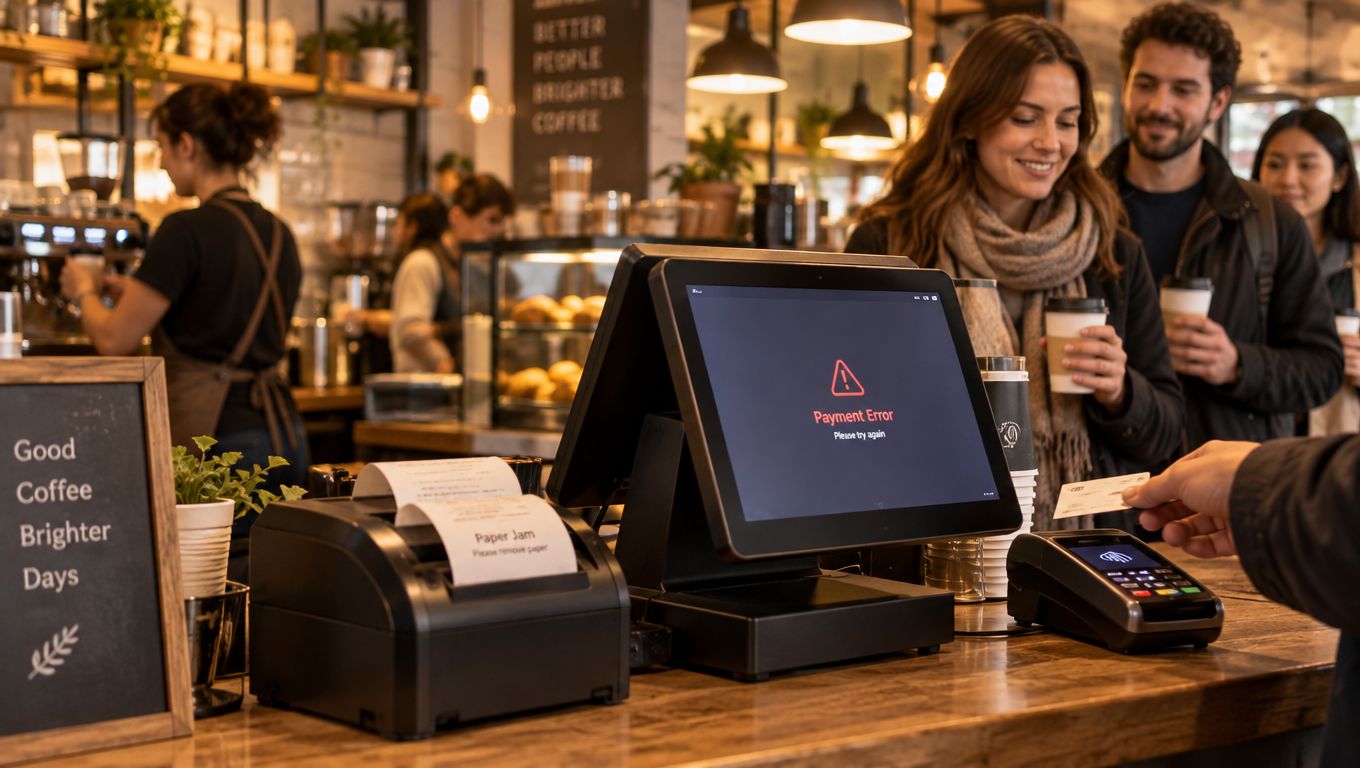
A Friday evening queue exposes weak checkout hardware quickly. The printer jams, the card terminal hesitates, and staff start trying to keep order while customers glance at the door and the timer on their phones. That is exactly where an old register stops being a neutral tool and starts becoming a business constraint.
In Singapore, the pressure is sharper because checkout no longer revolves around cash. 97% of retail POS transactions were cashless in 2022, according to a PwC Singapore payments report, which means most customers expect tap-and-go speed, not a cash drawer workflow PwC Singapore payments report.
Practical rule: if the counter cannot authorise, print, and reconcile cleanly under rush-hour pressure, it is not just slow, it is expensive.
For cafes, salons, clinics, gyms, and boutiques, the core issue is not whether a register can total a bill. The issue is whether the system can keep moving when payment habits, network conditions, and receipt expectations all change at once. That is why the modern checkout conversation should start with friction, not features.
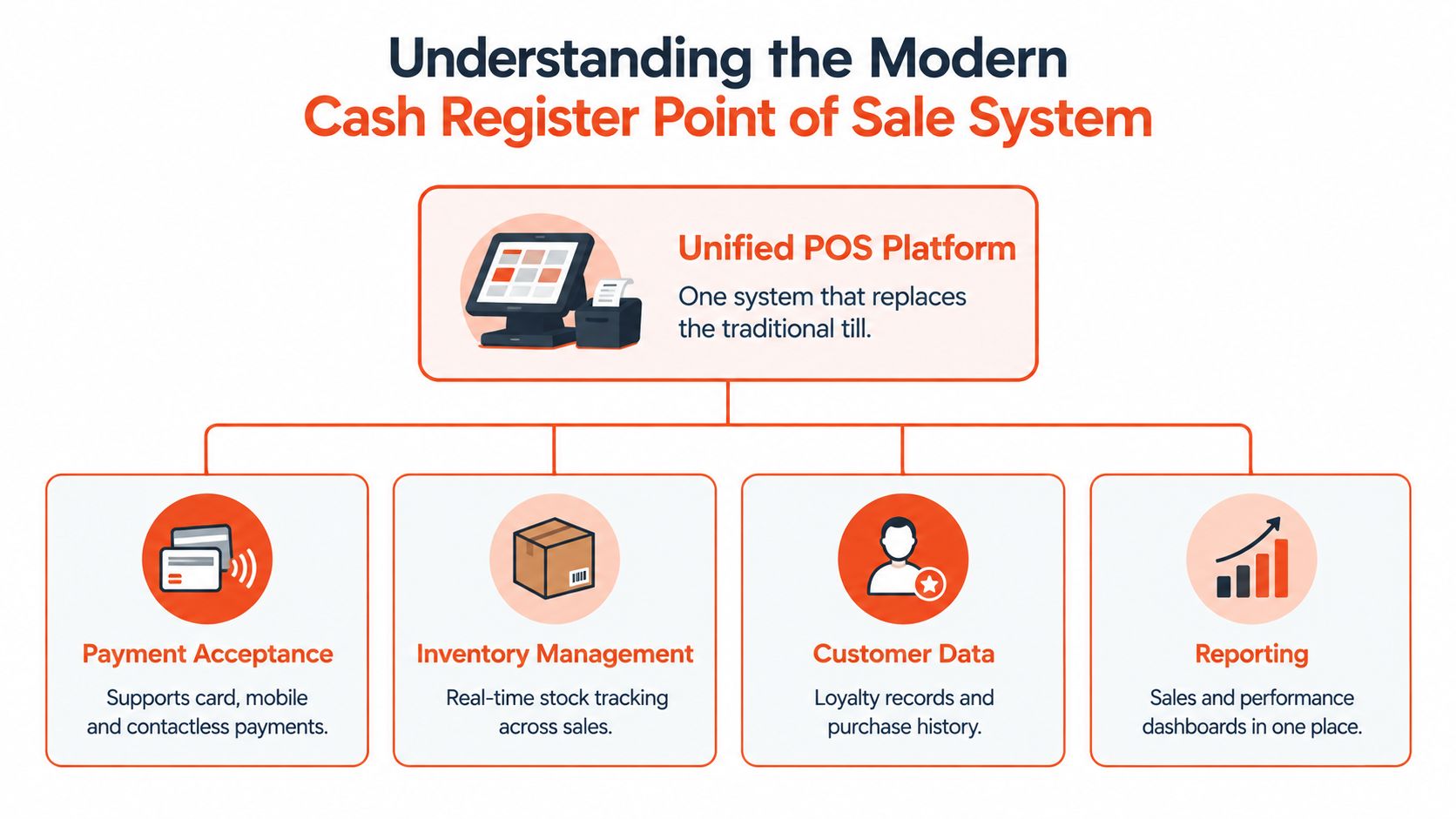
A modern cash register point of sale system is a unified checkout platform that handles payment acceptance, records transactions, and ties the sale into the surrounding business process. The counter becomes part of how the business runs, because payment, receipt, and recordkeeping flow through the same setup.
| Attribute | Legacy Cash Register | Modern POS System |
|---|---|---|
| Counter layout | Separate devices and more clutter | One connected interface |
| Payment handling | Limited acceptance, usually with add-ons | Broad card and wallet acceptance |
| Reporting | Basic close-of-day totals | Centralised sales visibility |
| Flexibility | Hard to adapt when operations change | Easier to integrate with business tools |
The practical difference shows up during a busy shift. Staff are not juggling a register, a separate terminal, and a manual reconciliation process. The till sits inside a system that routes payments, organises records, and supports back-office work without forcing staff to switch between scattered devices.
For operators comparing layouts and workflows, SambaPay's POS overview is a useful reference because it shows how a checkout stack is usually assembled in Singapore. For teams mapping checkout to wider store operations, see how Pebb helps retail teams coordinate counter workflows.
A good POS choice also cuts down the number of decisions staff have to make during a sale. If the cashier has to remember which device to use, which receipt path to trigger, and which terminal accepts which payment, the setup is already too fragmented.
Acceptance matters too. A modern terminal keeps the workflow consistent while still handling cards, contactless payments, and other electronic methods that customers now expect at the counter.
Legacy equipment looks cheaper until the hidden labour starts showing up. A bulky register, a separate card machine, manual end-of-day counting, and handwritten corrections can each work on their own, but together they create a checkout that depends on human memory and extra admin time.
The comparison becomes clearer when the business is busy:
| Attribute | Legacy Cash Register | Modern POS System |
|---|---|---|
| Hardware footprint | Multiple devices on the counter | Cleaner, integrated setup |
| Reconciliation | Manual and time-consuming | More structured and less error-prone |
| Payment flexibility | Limited by add-on hardware | Designed for broad acceptance |
| Customer experience | More waiting and more switching | Faster and more seamless |
| Operational visibility | Low | Higher through linked reporting |
A modern setup also reduces counter clutter, which helps staff move faster and train faster. Less device switching means fewer moments where a sale can stall because a terminal is offline, a printer cable is loose, or a cashier is unsure which machine should do what.
For a broader view on ageing equipment, the commercial kitchen equipment guide is useful reading because the logic is the same. Old gear often feels safe because it is familiar, yet the true cost usually appears in friction, repairs, and time lost to manual work.
The internal trade-off is simple. Legacy hardware can suit a very light operation that only needs basic cash handling, but once the business depends on card and wallet acceptance, the counter needs to behave like integrated infrastructure rather than a set of unrelated boxes. That is why SambaPay's small-business POS page is relevant for owners comparing options at the counter level.
The biggest gains from a better checkout system are practical. Staff move customers through the counter faster, managers spend less time chasing numbers, and the business gets a clearer path from payment to settlement.
Singapore's official retail payment figures show why this matters. In the first half of 2025, POS credit and charge-card payments totalled 328 million transactions worth S$26.293 billion, while POS debit-card payments totalled 401 million transactions worth S$13.992 billion Monetary Authority of Singapore retail payment statistics. Those volumes make one thing obvious, in-store checkout has to be dependable at scale.
Transparent pricing matters just as much as hardware quality. A merchant that can understand card fees, settlement timing, and terminal ownership terms can budget properly, while unclear pricing turns each month into a guessing game.
Sambapay fits into that conversation as a Singapore-based option for in-store card acceptance, smart Android POS terminals, selected digital-wallet support, and transparent blended pricing. It is one example of a system designed around the operational side of payments, not just the appearance of the terminal.
Operational test: if a system cannot help staff close the day faster than they open it, the upgrade has probably shifted costs instead of removing them.
A POS migration works best when the move is treated like an operations project, not a hardware swap. The store has to keep trading while the new terminal, pricing, and staff routines are introduced in a controlled way.
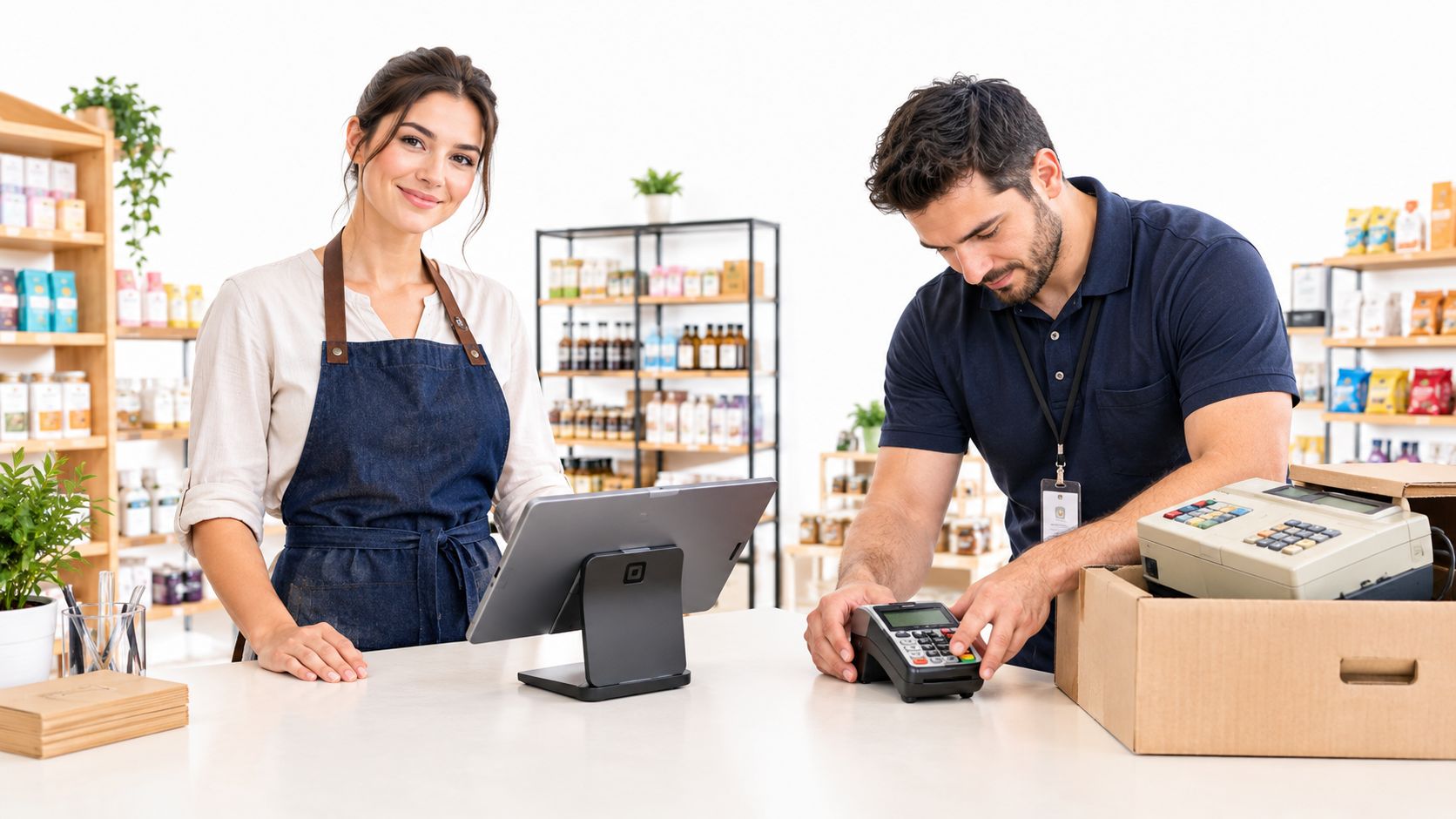
For restaurants, a migration schedule should be planned around service peaks, fitting neatly alongside other operational milestones in the same way that the phased construction milestones for restaurants break work into manageable steps. The principle is the same: keep one part of the business stable while another is being improved.
One useful decision filter is simple. A shop with modest ticket sizes and high transaction volume needs a migration path that prioritises speed and reliability. A clinic or salon may care more about service continuity and receipt consistency. Either way, the provider should be able to explain onboarding, installation, and staff training clearly before any equipment is mounted.
The linked guidance on switching a POS solution is relevant here because migration success usually depends on planning, not enthusiasm. If staff know what changes on day one, what stays the same, and who handles problems, the switch feels like a controlled upgrade instead of a disruption.
Support also matters after go-live. The best-time-to-test a provider is not during a sales pitch, it is on a busy day when a receipt path fails, a refund is needed, or a card authorisation takes longer than expected.
The right system is the one that protects cash flow, lowers checkout friction, and makes pricing easy to understand. A boutique, a café, and a clinic can all use POS technology, but they should not all buy the same setup.
A good buying decision usually comes down to four checks. Hardware quality should match the intensity of daily use. Pricing transparency should be clear enough that monthly costs are not a surprise. Settlement speed should fit working-capital needs. Support responsiveness should be local enough to solve problems without delay.
That is where the shift becomes strategic. A legacy register mainly records what happened. A modern POS system helps the business control how money moves, how quickly staff serve, and how reliably the counter keeps working under pressure.
If the current checkout setup is slowing staff down or making fees hard to predict, Sambapay can help with in-store POS terminals, payment acceptance, and local support built around Singapore SME workflows. Visit Sambapay to review the options and see whether a cleaner checkout flow fits the way the business trades today.