
A printed invoice sits beside the card terminal, a PayNow QR code is open on a phone, and the cashier is waiting for a decision. The amount looks familiar, but the biller name and reference number still need checking before money moves. That small pause is the difference between settling the right bill and creating a difficult recovery job.
Singapore residents use electronic payments as part of ordinary household life. In 2023, 100.0% of resident households reported at least one e-payment transaction, while electronic methods accounted for 60.4% of average monthly household expenditure, approximately S$3,582. The Singapore Department of Statistics household payment data shows why paying a bill now involves more than choosing cash or card. The process also involves checking the payee, selecting a suitable channel, authorising the transaction, and keeping proof.
At a neighbourhood shop, the cashier prints a bill and turns the receipt towards the customer. The customer checks three items before reaching for a wallet or phone: the merchant name, the total amount, and the invoice or reference number. Nothing looks unusual, but the check still matters because a correct amount sent to the wrong payee remains the wrong payment.
The customer can tap a card, insert the card and enter a PIN, open a mobile wallet, scan a PayNow QR code, or hand over cash. Each option settles the bill differently and leaves a different record. A card terminal produces a transaction slip and usually a bank notification. A PayNow payment produces an app confirmation and reference number. Cash may produce only the merchant's receipt, so that receipt needs to be kept carefully.
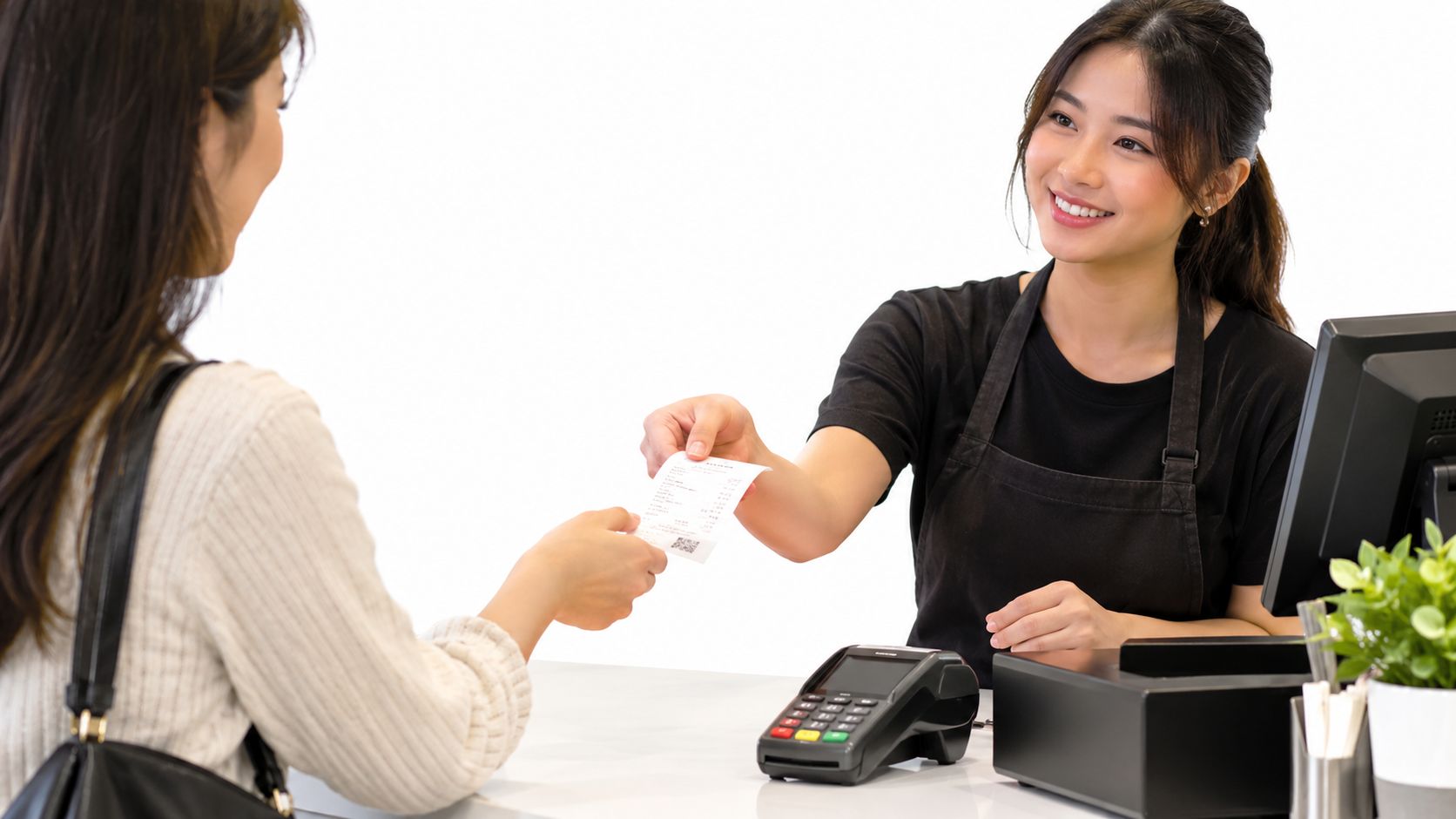
A reliable payment normally follows this order:
Practical rule: A bill payment isn't one motion. It's a chain of checks, authorisation, settlement, and reconciliation.
This sequence works at a retail counter, a clinic, a salon, a café, or an SME office. It also works when the bill arrives by email or appears inside a banking app. The channel changes, but the discipline doesn't: verify the request independently, approve only the final details, and preserve a record.
Singapore's payment infrastructure has developed through several channels rather than one replacement for cash. Credit cards, GIRO, and Electronic Fund Transfer at Point of Sale emerged in the 1980s, contactless EZ-Link cards arrived for public transport in 2002, FAST launched in 2014, and PayNow launched in 2017, as documented in the Department of Statistics overview of Singapore's e-payment transition. That history explains why a customer may see cards, PayNow, wallets, SGQR, GIRO, and cash accepted at the same business.
| Channel | Typical Settlement | Proof of Payment | Best Used When |
|---|---|---|---|
| PayNow or PayNow QR | Usually near immediate, subject to bank or merchant status | Banking-app confirmation and transaction reference | A customer needs a fast account-to-account payment with a clear reference |
| Card tap, insert, or swipe | Merchant and issuer processing applies | Terminal receipt, bank notification, and card transaction record | A customer wants a familiar record and a defined card dispute route |
| Apple Pay, Google Pay, or GrabPay | Usually near immediate at an enabled terminal or checkout | Wallet record, terminal receipt, and sometimes bank record | A customer wants device-based authentication without handling a physical card |
| SGQR | Depends on the selected payment application | App confirmation and merchant receipt | A displayed unified QR code offers several supported payment routes |
| GIRO or recurring bank deduction | Scheduled or batch-based, not necessarily immediate | Bank statement, mandate record, and biller acknowledgement | Utilities, subscriptions, rent, school fees, and other routine bills |
| Cash | Immediate at the counter | Printed merchant receipt | A counter accepts cash and the customer needs an offline option |
PayNow is convenient, but convenience doesn't prove that a request is genuine. A familiar-looking payee name can still be attached to the wrong request, and an unsolicited payment link can lead to an attacker-controlled account. Cards can offer a strong transaction trail, while wallets add device authentication. GIRO removes repeated manual action, but a customer must monitor whether the biller has applied the deduction.
Businesses and customers should also account for enhanced anti-scam controls introduced from 15 October 2025. The Association of Banks in Singapore guidance on enhanced safeguards explains that some rapid account-depletion transactions may be held for a cooling period, while recurring GIRO or eGIRO payments and payments to recognised billing organisations are generally treated differently. A payment channel should therefore be selected for both convenience and traceability. Guidance on cashless payment options in Singapore can help a business compare the counter-side choices before deciding what to accept.
The cashier should enter the amount only after the bill has been checked. The customer then reads the merchant name and total on the terminal, not just the amount spoken aloud. If the screen doesn't match the printed bill, the transaction should stop before a card or phone is presented.
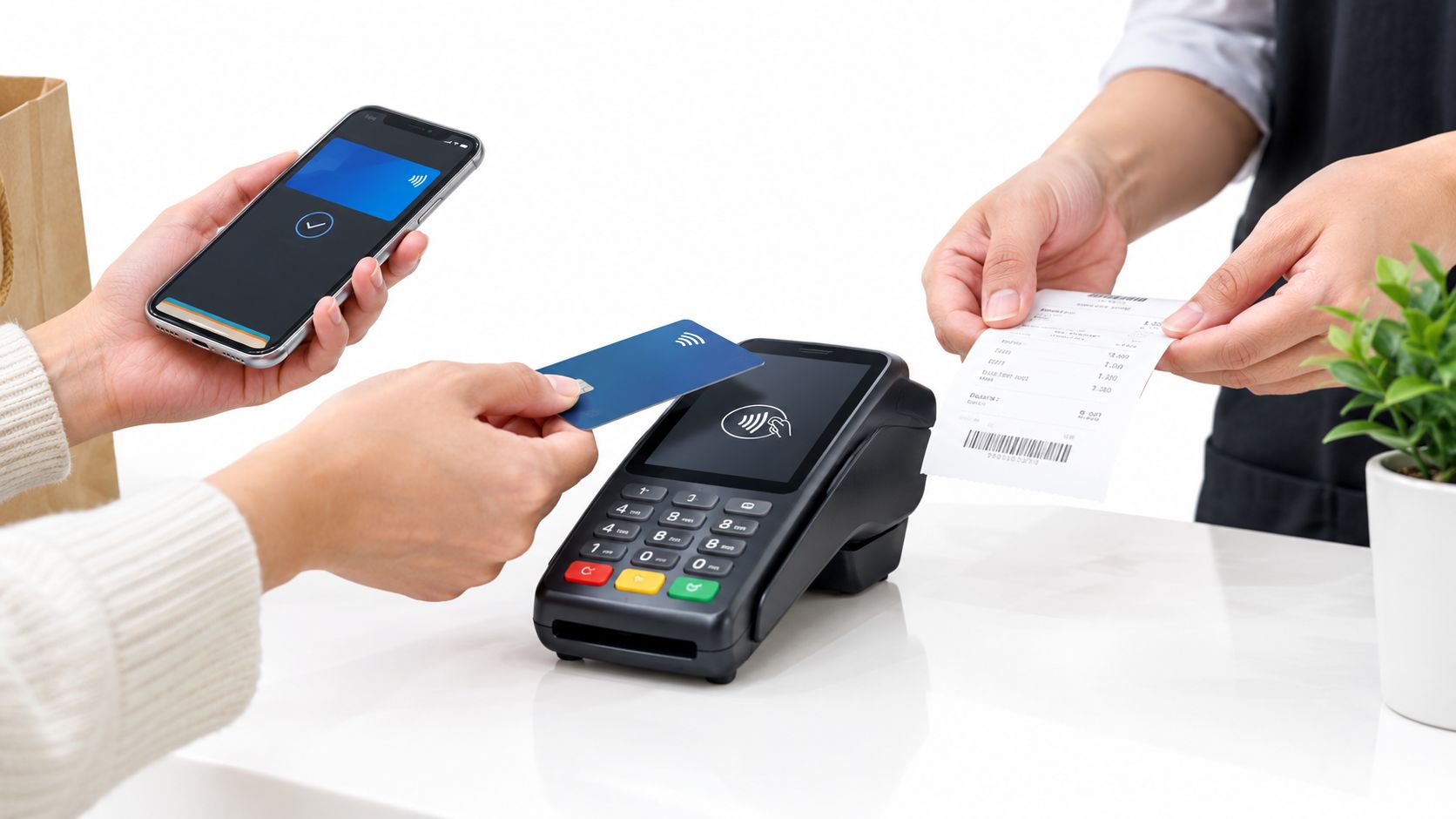
A normal in-store sequence looks like this:
A held transaction needs restraint. The customer should first check the banking app or wallet for a completed debit, then ask the cashier to verify the terminal status. Repeating the payment immediately can create a duplicate. If the first attempt is declined and no debit appears, the cashier can retry after checking connectivity or use another approved channel.
A customer paying by phone may see a bank push notification or an issuer request during the transaction. That approval should be completed on the customer's own device. A cashier can explain where to tap, but shouldn't handle the phone, request a passcode, or ask for an OTP.
A printed slip remains useful, even when an SMS or email receipt arrives. The strongest record combines the merchant receipt with the bank or wallet confirmation. For businesses, the invoice number should also be recorded in the point-of-sale or accounting system so the payment can be matched during reconciliation. A credit card payment workflow for Singapore businesses provides further context on accepting card payments at the counter.
The terminal should return to its idle screen before the customer leaves. If a receipt doesn't print, the cashier should offer an electronic copy or confirm the transaction reference. The payment isn't fully documented until the customer knows whether money was debited and where the proof has been stored.
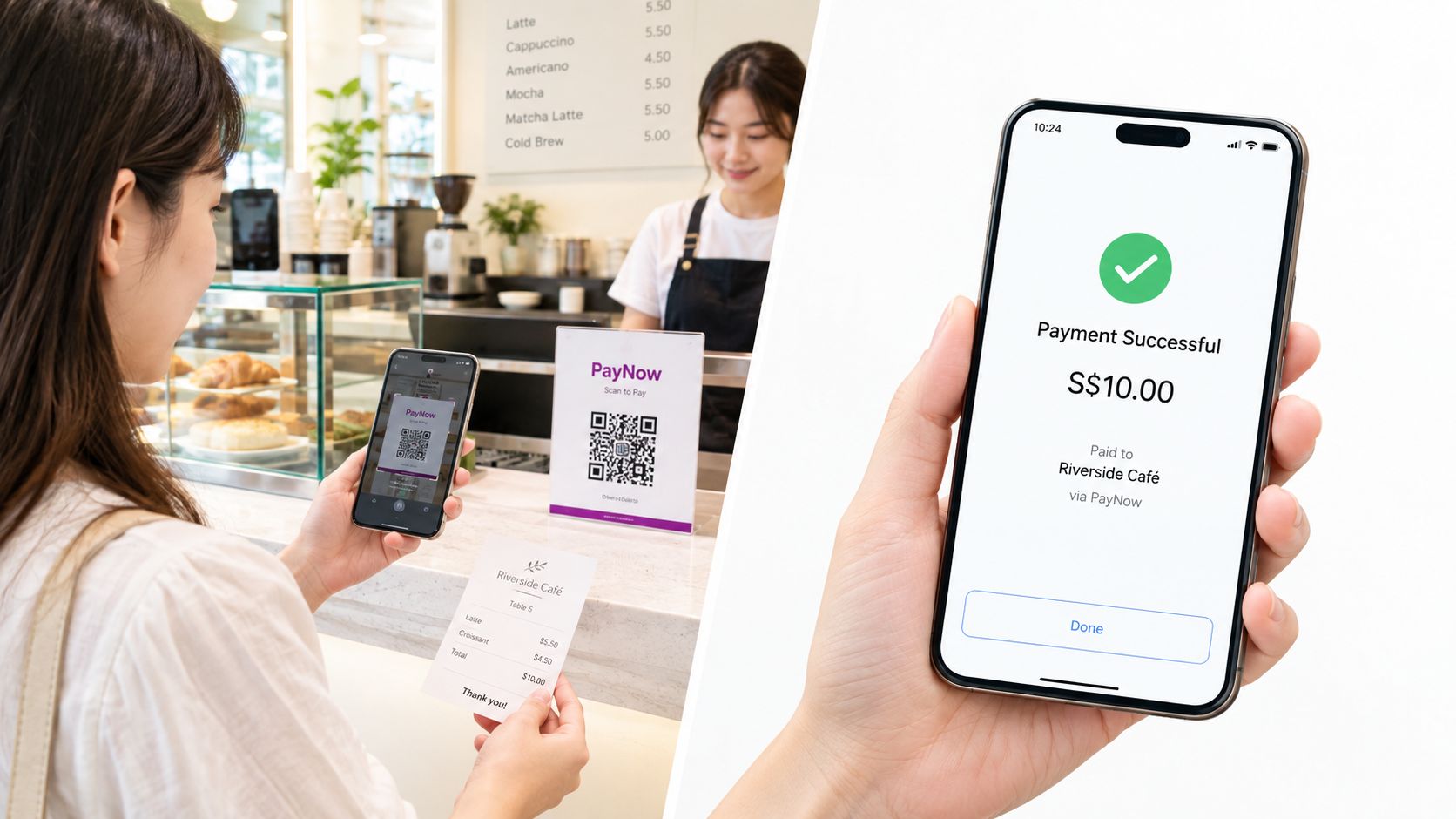
A café cashier can hand over the same bill in three different forms. A QR code may appear on the counter, a card checkout link may open on a phone, or the invoice may list the biller's UEN for a banking-app transfer. The correct route depends on what the biller officially supports, not on which option appears first in an unsolicited message.
A PayNow QR payment guide can help SMEs understand how a QR acceptance point fits into the checkout process. Customers should never scan a QR code pasted over the merchant's original display or supplied by an unknown sender.
A merchant's official mobile checkout may allow a stored card or a card entered for a single payment. The customer should reach that checkout through the business's verified website or app, check the domain and bill details, and confirm the final amount before authorisation. A card-on-file payment can be convenient for a known merchant, but a saved card shouldn't override a mismatch in the biller name or reference.
The customer should retain the checkout confirmation, transaction reference, and any issuer notification. If the checkout fails after the bank shows a debit, another attempt should wait until the merchant or issuer confirms the status.
A banking-app transfer to a biller's UEN requires more manual checking. The customer independently locates the UEN on the bill and verifies it against the organisation's official website, app, or trusted contact channel. The payee name displayed by the bank must match the organisation, and the invoice number should be entered exactly.
For recurring bills, the biller can be saved as a favourite only after the first payment has been verified. A screenshot of the final confirmation should be stored with the invoice, not left only in a temporary notification. SME staff should use a shared payment record with controlled access, so another staff member can see whether an invoice is paid without requesting banking credentials.
The safest workflow treats bill payment as a verification process with a payment step in the middle. That applies to a customer at a cashier, a finance employee paying a supplier, and a household setting up a recurring deduction.
1. Confirm the bill details. The customer checks the business name, invoice or account number, line items, total, and due date. An invoice should contain enough information for the payer to identify the supplier and the transaction. A practical reference on required invoice fields for tax can help an SME organise those records.
2. Confirm the payee independently. The UEN, account name, or QR destination should be checked against the organisation's official website, app, prior verified invoice, or trusted telephone number. Links inside unexpected emails and messages should not be treated as proof of identity.
3. Choose an auditable channel. A card terminal, PayNow confirmation, wallet record, or bank transfer creates evidence that can be matched to the invoice. Cash can still work at an authorised counter, but the receipt becomes especially important.
4. Keep proof until settlement is clear. The receipt, reference number, confirmation screen, and any approval record should stay with the bill. The next statement or billing cycle should be checked to ensure the biller applied the payment correctly.
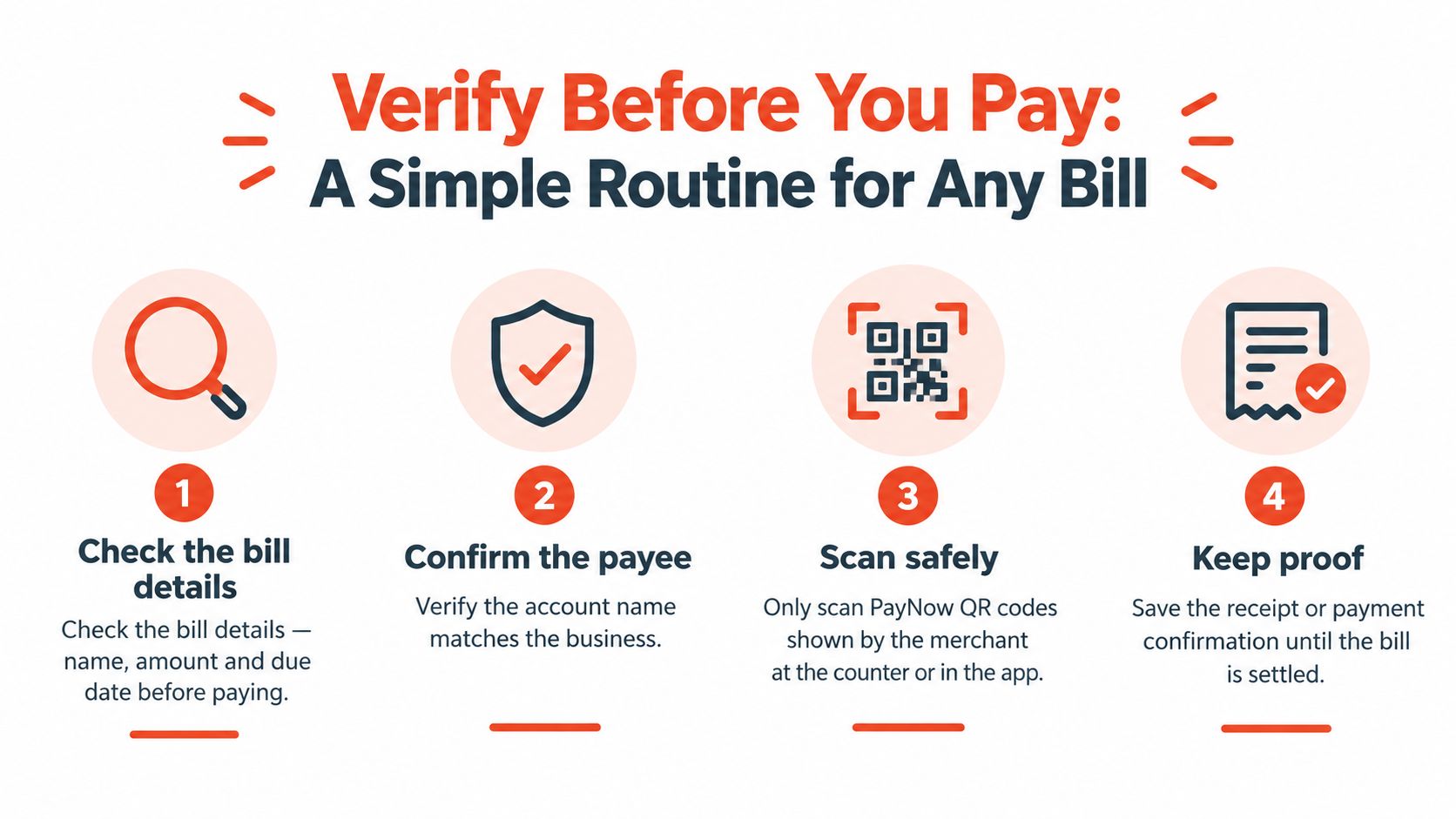
Singapore's payment safeguards make this pause more important. The Singapore Police Force reported 41,974 scam and cybercrime cases in 2025, with total losses of S$913.1 million. The same Singapore Police Force report on scams and cybercrime in 2025 recorded a median loss of S$1,644, up from S$1,389 in 2024, and found that self-effected transfers represented 81.8% of scam cases in 2025. These figures don't mean every bill request is suspicious. They do show why the payer must verify the destination before approving a transfer.
Operator rule: The person paying should control the device, read the final payee name, and keep the reference. Staff can guide a process, but they mustn't control a customer's credentials.
A 30-second check at the counter or in the banking app can prevent hours of calls, screenshots, refund requests, and invoice matching. For an SME, the same routine should sit inside staff training and approval rules. Unusually large bills and refunds deserve a second staff check, while customer passwords, PINs, and OTPs should remain private.
A successful authorisation doesn't always mean the biller has already matched the payment. A pending PayNow transfer may need bank or biller confirmation. A card payment may appear twice because the first attempt was held and the second was approved. A refund may also require the merchant to process it before the issuer displays the credit.
When a payment looks wrong, the customer should compare the bank or wallet record with the merchant receipt. The transaction reference, amount, date, and merchant name provide a better basis for investigation than a screenshot showing only a balance change. The cashier or biller's finance team should be contacted first when the merchant record is available.
A customer shouldn't retry a pending payment until the first transaction's status is known. If the bank shows a completed debit but the biller says unpaid, the customer should send the reference through the biller's official support channel and ask for payment allocation. If a card appears to have posted twice, the merchant should check whether one entry is a hold, reversal, or completed second charge before a dispute is filed.
SMEs should organise these records as part of an accounts payable process guide, with invoice approval, payment evidence, reconciliation, and exception handling kept together. A payment record that can't be matched to an invoice creates unnecessary work even when no fraud occurred.
Common warning signs include:
A bill payment marked as recognised by a bank isn't automatically genuine. Exemptions and preferential treatment for recurring GIRO or recognised billing organisations reduce friction for legitimate payments, but they don't replace checking the biller's identity.
| Issue or Red Flag | First Action | Escalation Channel | Typical Resolution Time |
|---|---|---|---|
| PayNow transfer remains pending | Don't retry; record the reference and check the bank status | Bank support, then the biller's official finance contact | Depends on bank review and biller matching |
| Card payment appears twice | Compare both references and ask the merchant to check its terminal record | Merchant hotline, then card issuer dispute process | Depends on whether one entry reverses or both settle |
| Payment was debited but bill remains open | Send proof and request manual allocation | Biller's official accounts team and bank | Depends on reconciliation queue |
| Unfamiliar PayNow payee | Stop, don't authorise, and contact the organisation independently | Bank immediately, then the Police anti-scam channel if money moved | Urgency is highest before settlement |
| Fake invoice or altered QR suspected | Preserve the message, invoice, and QR evidence | Organisation, bank, and Police anti-scam channel | Depends on investigation and recovery action |
| Refund hasn't appeared | Ask the merchant for the refund reference and date | Merchant first, then card issuer or bank | Depends on merchant processing and issuer posting |
If money has moved to a suspected scam destination, the bank should be contacted immediately. Waiting for the biller to reply can reduce the opportunity for the bank to place controls or begin recovery procedures.
To pay this bill safely, the customer needs more than a payment app. The customer needs the correct bill, an independently verified payee, a final amount that matches the invoice, and proof that remains available after authorisation. PayNow, cards, wallets, GIRO, SGQR, and cash each have a place, but none should bypass the verification step.
SME operators should make the routine visible at the counter and in the back office. Staff should know who may approve a refund, where payment references are stored, and when a pending transaction must not be retried. Customers should leave with a receipt or digital confirmation and check that recurring payments appear correctly on the next statement.
Can a bill be paid partially? Only if the biller permits partial settlement. The customer should obtain written confirmation of the remaining balance and reference the part-payment clearly.
How long does a refund take? There is no single timeframe. The merchant must first process the refund, after which the bank or card issuer posts it according to its own processing cycle.
What if a PayNow QR points to an unfamiliar payee? The payment should stop. The customer should verify the organisation through an independently sourced official contact, not through the QR message.
How can an old receipt be retrieved? The customer should search the banking or wallet transaction history, email receipt, merchant account, or biller's finance records using the invoice number and payment reference.
Sambapay provides Singapore businesses with point-of-sale terminals for accepting cards, selected digital wallets, and PayNow at the counter, with local onboarding and support for everyday retail, F&B, clinic, salon, and fitness payments. Businesses reviewing their bill-payment and checkout workflow can visit Sambapay to see the available payment setup.